No products in the cart.
If your Twitch emotes look blurry, cropped, or stretched in chat, the problem is almost always incorrect sizes.
Twitch requires specific dimensions for every emote. Uploading the wrong format can make your graphics look unprofessional and harder to see for viewers.
Here’s the complete size guide so your emotes look sharp and clean on every device.
Official Twitch Emote Sizes
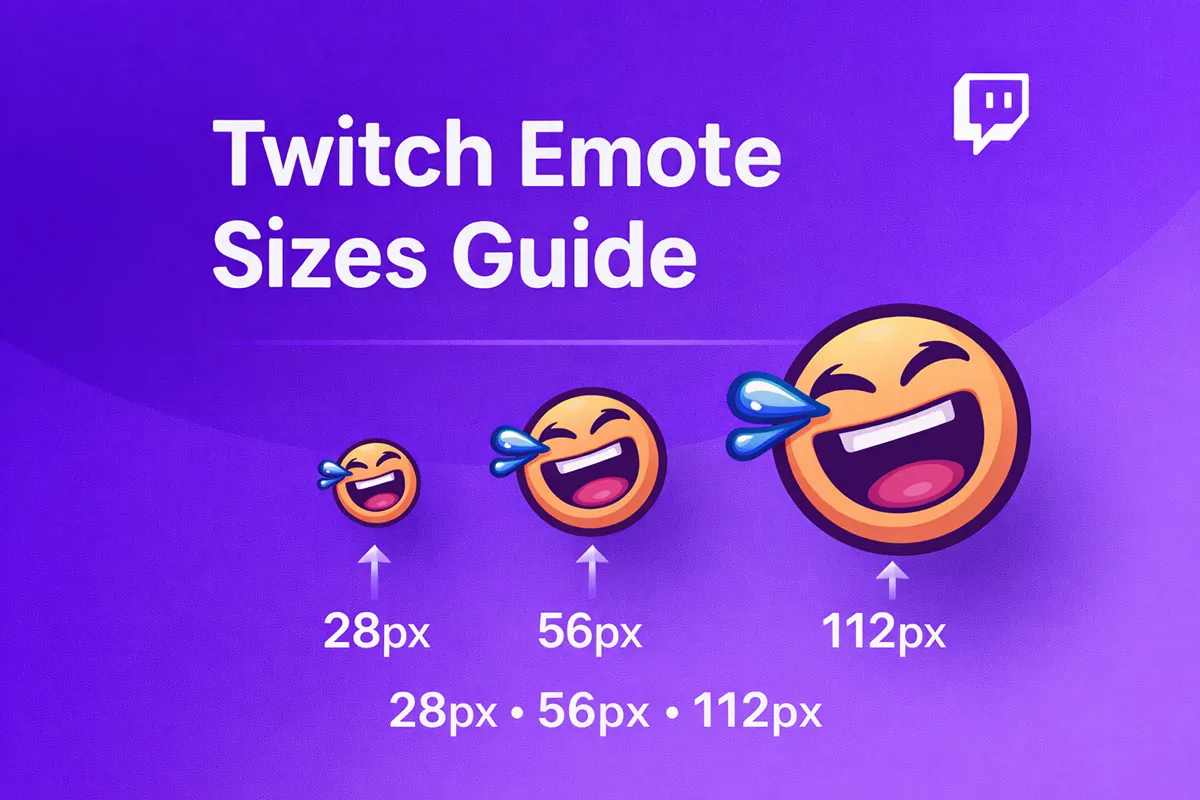
Twitch requires three versions of every emote:
• 28 × 28 px
• 56 × 56 px
• 112 × 112 px
File requirements:
• PNG format
• Transparent background
• Square images
• Under 1MB file size
You must upload all three sizes for each emote.
Why multiple sizes matter
Twitch automatically displays different sizes depending on:
• chat zoom level
• device resolution
• desktop vs mobile
If you only upload one size, your emotes may look blurry or distorted.
Uploading all sizes ensures:
✔ crisp icons
✔ better readability
✔ more professional stream look
Design tips for clear emotes
Remember: emotes are tiny.
Complex designs don’t work well.
Follow these tips:
✔ Use thick outlines
✔ Keep shapes simple
✔ Use bold colors
✔ Avoid small text
✔ Test at 28px zoom
Avoid:
❌ thin lines
❌ detailed faces
❌ tiny objects
❌ long words
If viewers can’t recognize the emote instantly, it won’t work.
How to upload emotes on Twitch
- Open Creator Dashboard
- Go to Viewer Rewards → Emotes
- Click Upload Emote
- Upload all three sizes
- Save changes
Your emotes will be live instantly.
Want ready-made Twitch emotes?
Designing emotes takes time, and resizing each one correctly can be frustrating.
Impulse Visuals offers professionally designed Twitch emote packs that already include:
✔ 28×28
✔ 56×56
✔ 112×112
✔ transparent PNG
✔ instant download
👉 Browse Twitch Emotes → Shop Now
Final thoughts
Using the correct Twitch emote sizes makes a huge difference in how professional your channel looks.
Sharp, readable emotes help viewers engage more, spam reactions, and build a stronger community.
Upload correctly once, and your stream instantly levels up.